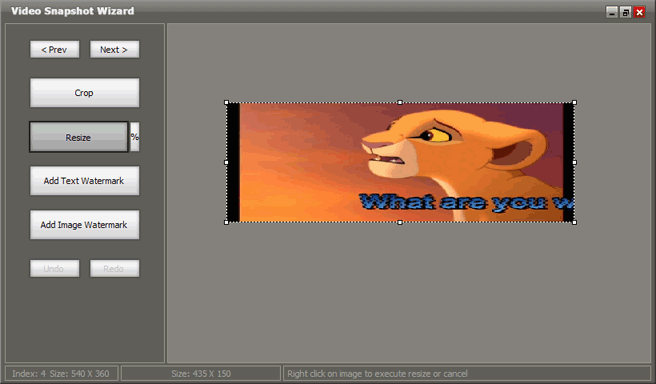
How to crop and/or resize video frame images?
Once you got some video frames and you want resize or crop them, you can select one of images and click Edit button.

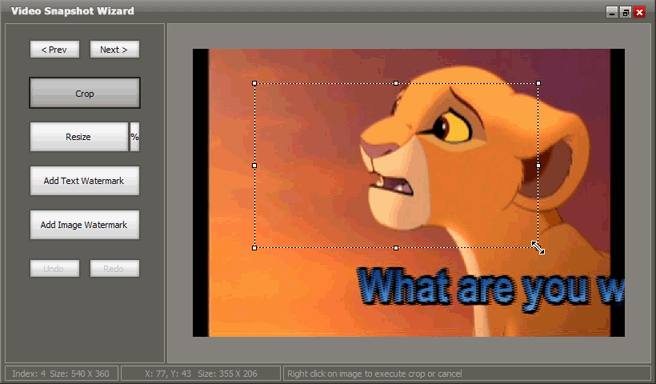
Crop the images
On the left panel, click the Crop button. Move the mouse on crop handle and then do one of the following:- * To crop one side, drag the center handle on that side inward.
- * To crop equally on two sides at once, hold down CTRL as you drag the center handle on either side inward.
- * To crop equally on all four sides at once, hold down CTRL as you drag a corner handle inward.
Note: You can undo a crop at anytime before saving the picture.
Resize the images
The resize operation is similar to crop.Note: You can undo a resize at anytime before saving the picture.